  sherrywang163       +8615989127990      sales@oawell.com
Please Choose Your Language
News
You are here: Home » News

News and Events

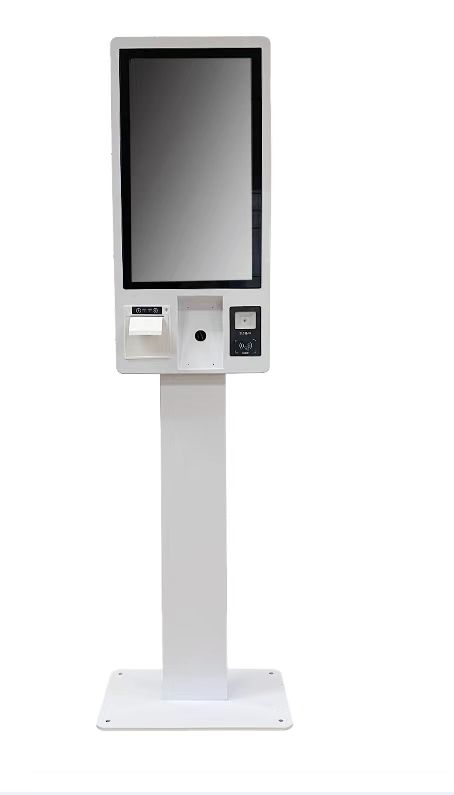
  • Why Self-Service Kiosks Are the Future of Customer Engagement
    Why Self-Service Kiosks Are the Future of Customer Engagement
    2025-11-17
    Self-service is no longer a novelty. From airports to coffee chains, banks to hospitals, customers now expect to be able to check in, place orders, pay, and find answers through bright, intuitive screens without waiting in line. The pandemic accelerated this shift, but it did not create it. What rea
    Read More
  • POS vs. Kiosk: What’s the Difference and Which Do You Need?
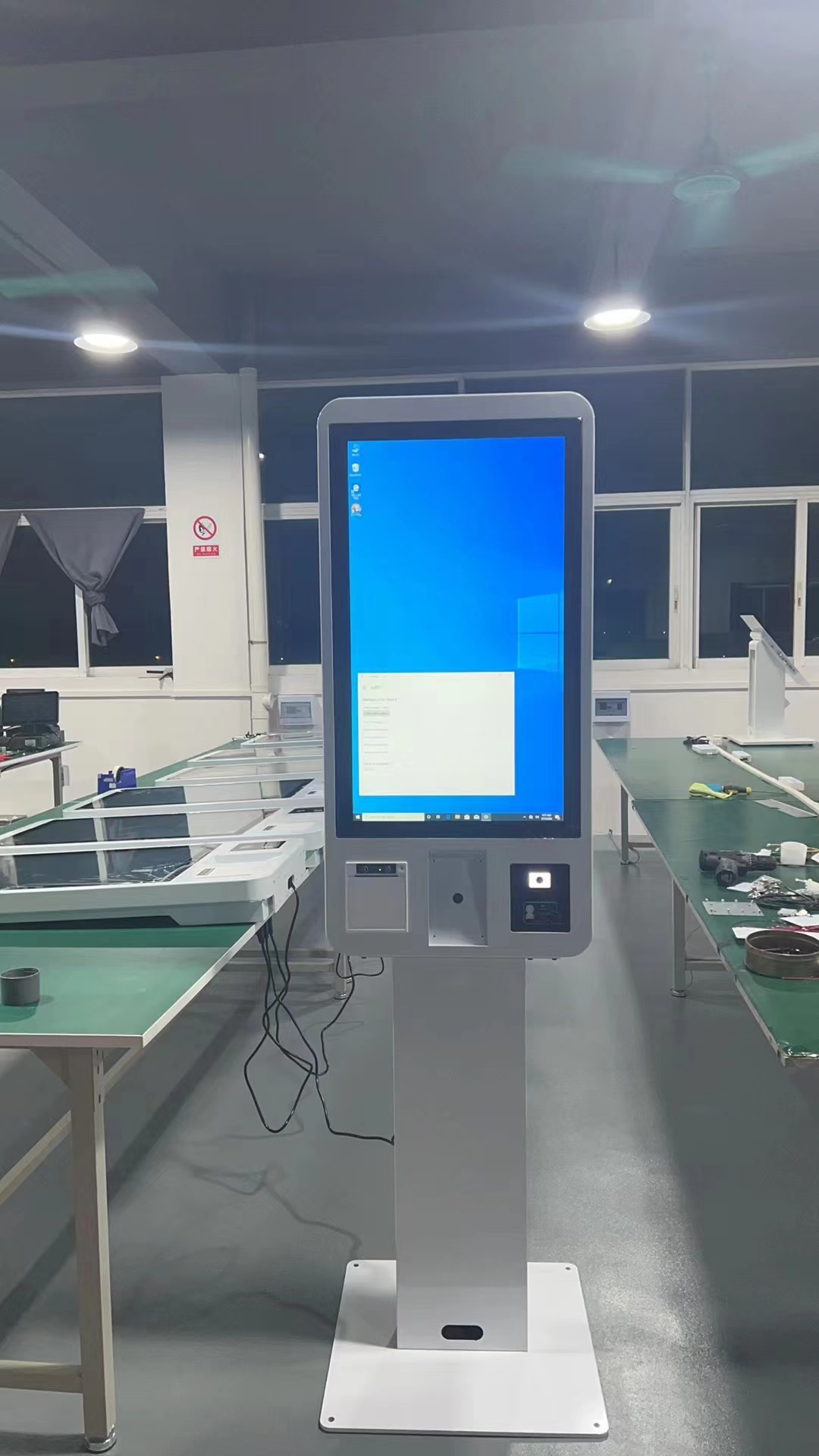
    POS vs. Kiosk: What’s the Difference and Which Do You Need?
    2025-11-10
    Walk into any modern restaurant or retail store and you will probably see a familiar mix of technology at the counter and on the floor. On one side is the traditional point of sale terminal where staff tap in orders and take payments. Nearby, you might see a tall screen where guests tap and pay on t
    Read More
  • Why Self Ordering Kiosks are Becoming the Secret Weapon for Successful Restaurants
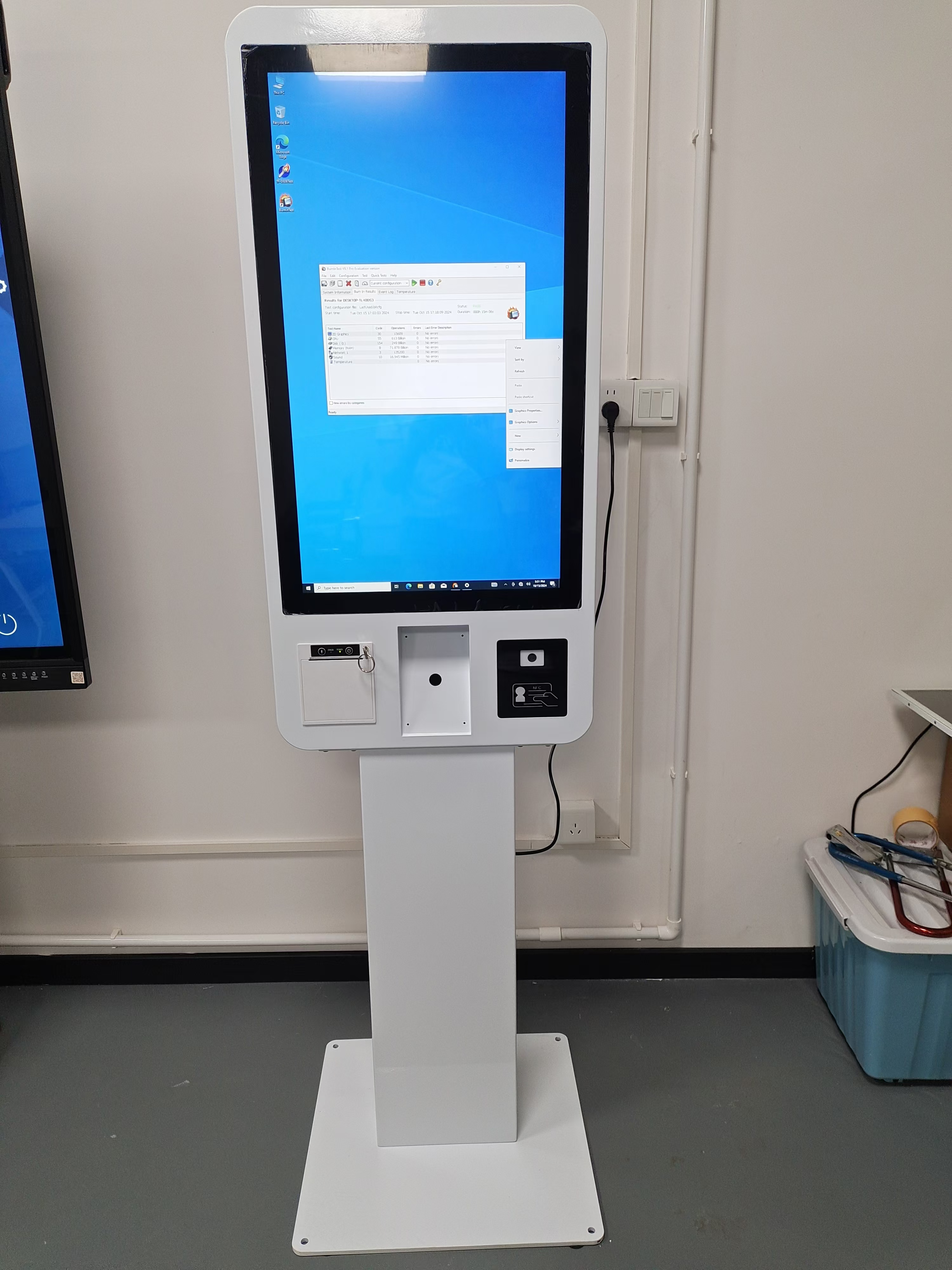
    Why Self Ordering Kiosks are Becoming the Secret Weapon for Successful Restaurants
    2025-11-04
    Over the past few years, the way guests order food has changed faster than almost any other part of the restaurant experience. Diners now expect the same quick, digital convenience in a restaurant that they get from food delivery apps and online shopping. At the front of this shift you will increasi
    Read More
  • How Can A POS Terminal Revolutionize Your Business Payment Experience?
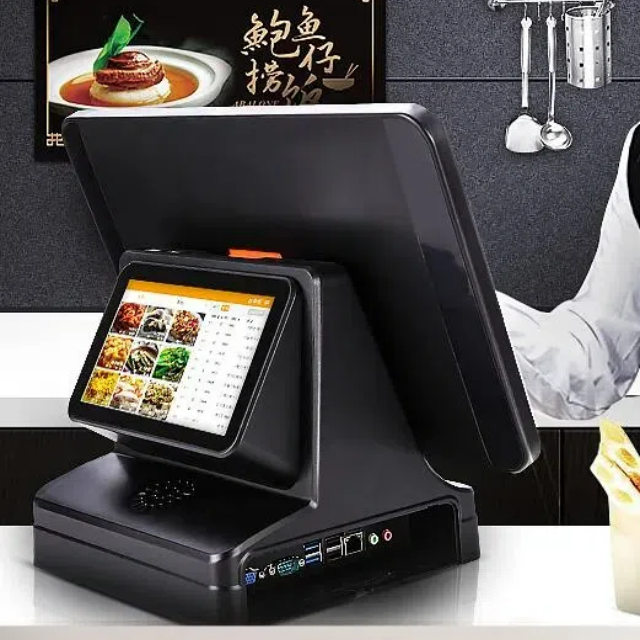
    How Can A POS Terminal Revolutionize Your Business Payment Experience?
    2025-04-22
    This guide explains how POS terminals improve payment efficiency, inventory management, customer satisfaction, and data analysis. Featuring practical use cases across retail, restaurants, and small businesses, it helps companies optimize operations, streamline checkout, and make data-driven decisions to boost revenue and loyalty.
    Read More
  • Total 15 pages  Go to Page
  • Go

FAQ

  • Q What Is the Difference Between a 58mm and an 80mm Thermal Receipt Printer?

    A

    The main difference is the supported paper width. A 58mm thermal printer is often used for compact receipts and space-constrained installations, while an 80mm printer can accommodate wider receipts with more room for item details and business information. Choose a printer based on your receipt layout, POS software settings, paper availability, connection interface, and installation requirements.

  • Q What Connectivity Options Should I Check Before Buying a POS Terminal?

    A

    Common connectivity options include USB and LAN, while some models also offer Wi-Fi, Bluetooth, serial ports, or optional NFC readers. The available interfaces differ by model and configuration. Check the number and type of ports required for your printer, scanner, cash drawer, network connection, and other accessories before confirming your order.

  • Q Can a POS Terminal Be Customized with a Built-in Thermal Printer?

    A

    Selected POS models can be configured with an integrated thermal receipt printer, while other models use a separate printer. Availability depends on the terminal design, printer width, internal space, and required interfaces. When requesting a customized solution, specify the screen size, printer width, operating system, and any additional peripherals you need.

  • Q How Do I Choose the Right POS Terminal for My Business?

    A

    The right POS terminal depends on your business type, POS software, daily transaction volume, available counter space, and required peripherals. Retail stores and supermarkets may need barcode scanners and cash drawers, while restaurants may benefit from dual-screen terminals and integrated receipt printers. Before choosing a model, confirm the operating system, processor, memory, storage, screen size, and connectivity options.

  • Q Should I Choose a Windows or Android POS System?

    A

    Windows POS systems may be suitable for businesses that rely on Windows-based applications or existing PC software. Android POS systems can be a practical option for compatible Android applications and simplified operating environments. Before ordering, check software compatibility, driver requirements, processor performance, memory, peripheral interfaces, and whether your application provider supports the selected operating system.

QUICK LINKS

PRODUCT CATEGORY

NEWSLETTER

Subscribe to the latest news

SOCIAL NETWORKS

Copyright © 2024 OAWELL Products Co., Ltd.  All Rights Reserved.  Sitemap I Privacy Policy