  sherrywang163       +8615989127990      sales@oawell.com
Please Choose Your Language
News
You are here: Home » News

News and Events

  • Types of POS Systems: The Ultimate Guide for Businesses
    Types of POS Systems: The Ultimate Guide for Businesses
    2025-12-12
    Choosing the right point-of-sale setup is no longer just about “taking payments.” For many businesses, the POS system becomes the operational backbone—connecting checkout, inventory, staff workflows, customer data, and reporting. That’s why understanding the types of POS systems matters: the “best”
    Read More
  • The difference between a POS system and a POS terminal
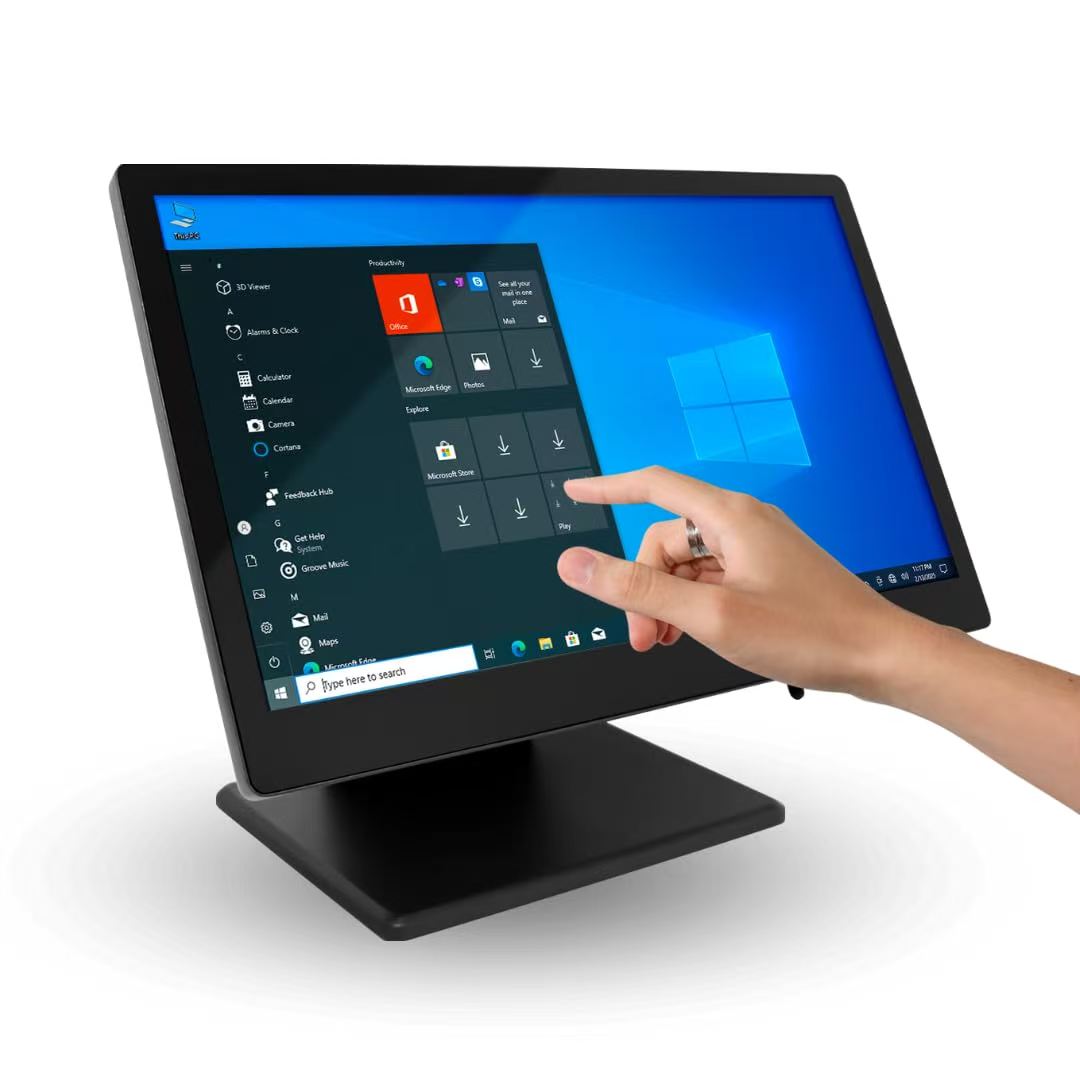
    The difference between a POS system and a POS terminal
    2025-12-06
    Confusing a POS system with a POS Terminal is one of the fastest ways to buy the wrong checkout setup. They work together, but they’re not the same thing. A POS system is the full sales-and-operations engine behind your checkout—while a POS Terminal is the device that helps complete the transaction
    Read More
  • What is a POS System and How Does a Point of Sale System Work?
    What is a POS System and How Does a Point of Sale System Work?
    2025-12-02
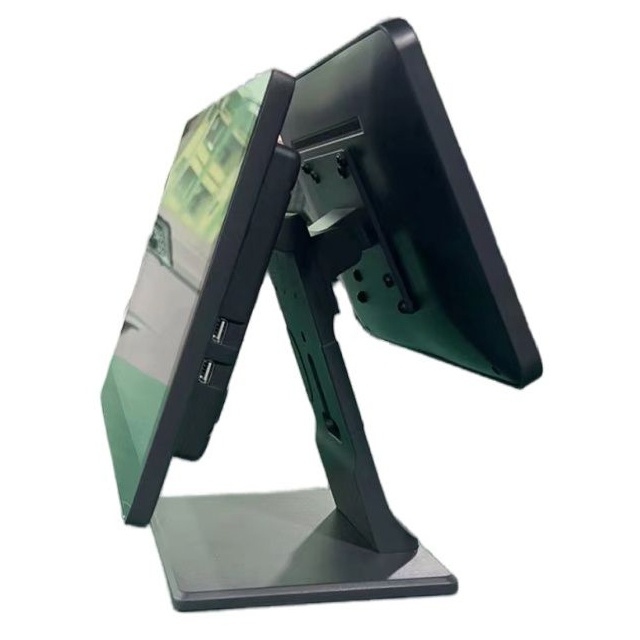
    Walk into any modern store, café, or service counter and you’ll see the same moment happen again and again: a customer chooses something, pays, and leaves with a receipt or confirmation. That moment is the point of sale. But a “POS system” today is more than a checkout screen—it’s a connected set of
    Read More
  • What to Look for in a Restaurant Self-Ordering Kiosk: 10 Must-Have Features
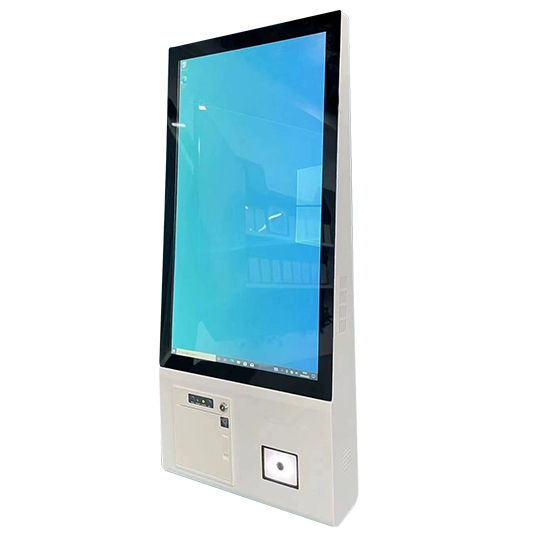
    What to Look for in a Restaurant Self-Ordering Kiosk: 10 Must-Have Features
    2025-11-25
    As labor costs rise and guests expect faster, more digital service, restaurant operators are turning to self-ordering technology to stay competitive. A modern Touch Self-kiosk can do far more than just take orders. It can shorten queues, increase average check size, cut errors, and give your team br
    Read More
  • Total 15 pages  Go to Page
  • Go

FAQ

  • Q What Is the Difference Between a 58mm and an 80mm Thermal Receipt Printer?

    A

    The main difference is the supported paper width. A 58mm thermal printer is often used for compact receipts and space-constrained installations, while an 80mm printer can accommodate wider receipts with more room for item details and business information. Choose a printer based on your receipt layout, POS software settings, paper availability, connection interface, and installation requirements.

  • Q What Connectivity Options Should I Check Before Buying a POS Terminal?

    A

    Common connectivity options include USB and LAN, while some models also offer Wi-Fi, Bluetooth, serial ports, or optional NFC readers. The available interfaces differ by model and configuration. Check the number and type of ports required for your printer, scanner, cash drawer, network connection, and other accessories before confirming your order.

  • Q Can a POS Terminal Be Customized with a Built-in Thermal Printer?

    A

    Selected POS models can be configured with an integrated thermal receipt printer, while other models use a separate printer. Availability depends on the terminal design, printer width, internal space, and required interfaces. When requesting a customized solution, specify the screen size, printer width, operating system, and any additional peripherals you need.

  • Q How Do I Choose the Right POS Terminal for My Business?

    A

    The right POS terminal depends on your business type, POS software, daily transaction volume, available counter space, and required peripherals. Retail stores and supermarkets may need barcode scanners and cash drawers, while restaurants may benefit from dual-screen terminals and integrated receipt printers. Before choosing a model, confirm the operating system, processor, memory, storage, screen size, and connectivity options.

  • Q Should I Choose a Windows or Android POS System?

    A

    Windows POS systems may be suitable for businesses that rely on Windows-based applications or existing PC software. Android POS systems can be a practical option for compatible Android applications and simplified operating environments. Before ordering, check software compatibility, driver requirements, processor performance, memory, peripheral interfaces, and whether your application provider supports the selected operating system.

QUICK LINKS

PRODUCT CATEGORY

NEWSLETTER

Subscribe to the latest news

SOCIAL NETWORKS

Copyright © 2024 OAWELL Products Co., Ltd.  All Rights Reserved.  Sitemap I Privacy Policy