- All
- Product Name
- Product Keyword
- Product Model
- Product Summary
- Product Description
- Multi Field Search

Please Choose Your Language
 |

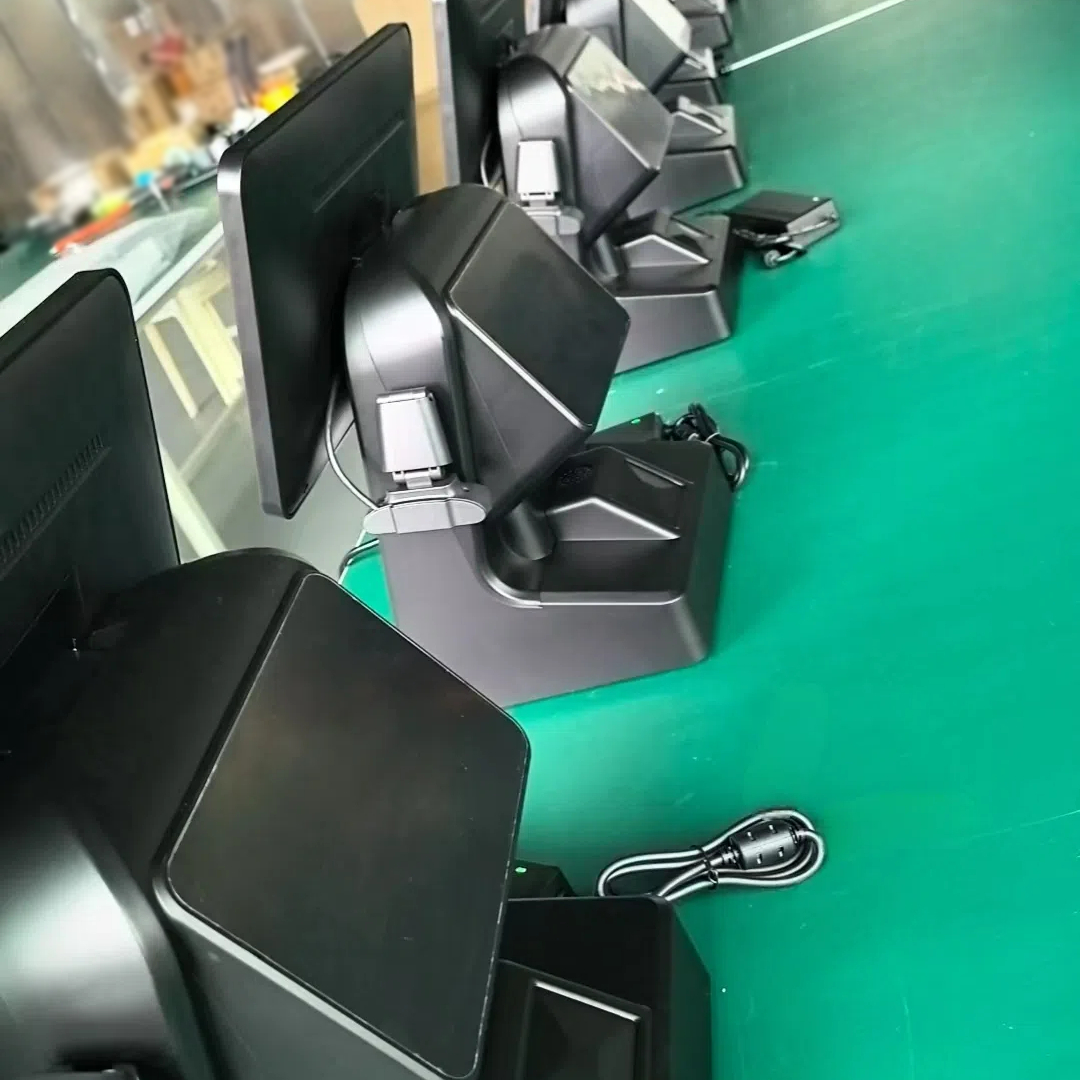


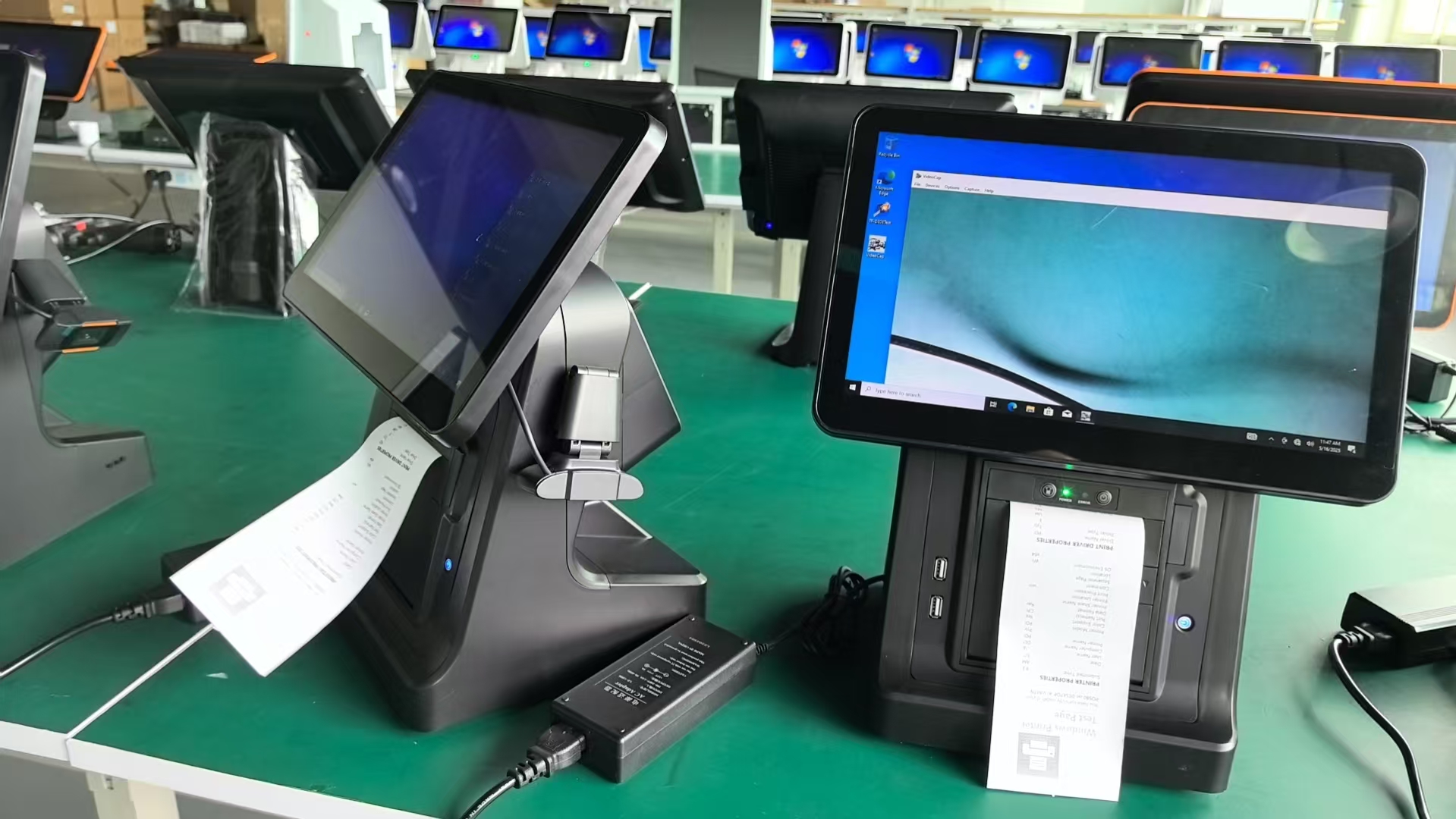
The 15.6-inch OA-900LS POS is OAWELL’s budget-friendly solution for cost-conscious merchants—including community supermarkets, small retail chains, and local service shops (e.g., laundromats, pet stores). It balances affordability with core features like a large touch screen, optional built-in printer, and durable hardware, making it ideal for businesses that want reliable performance without overspending.
| Quantity: | |
|---|---|
OA-900LS
OAWELL
15.6-Inch Capacitive Touch LCD
Intel Core i3,i5,i6,i7 Industrial Motherboard
8-128GB,16-256GB
7",11.6" Second Screen
58mm/80mm Thermal Printer Inside
LAN,WiFi,NFC Reader(Optional)
Community supermarkets (with 2-3 checkout lanes) need POS systems that sync sales data in real time to avoid inventory discrepancies. The OA-900LS’s LAN/WiFi connectivity lets all POS units share data—so if one lane sells the last carton of milk, the others update instantly. The 15.6-inch screen makes it easy for cashiers to scan groceries and apply senior citizen discounts, while the optional 80mm built-in printer produces clear, water-resistant receipts (critical for customer returns).
Laundromats and service shops face unique challenges: water splashes, detergent spills, and constant foot traffic. The OA-900LS’s aluminum alloy body resists water damage, while its fanless cooling system prevents dust buildup (a common issue in laundromats with lint in the air). It also tracks self-service machine usage—letting customers pay for wash/dry cycles directly at the POS and storing their contact info for order pickup alerts.
Pet stores need to manage diverse inventory (food, toys, medication) and engage customers with promotions. The OA-900LS integrates with inventory software to alert staff when popular items (e.g., puppy food) are low, and its 15.6-inch screen displays product details (e.g., ingredient lists) for curious customers. The optional 11.6-inch secondary screen shows pet care tips or limited-time offers (e.g., “20% off cat toys”), encouraging impulse buys.
The 15.6-inch capacitive touch screen is 20% larger than 13.3-inch models, reducing eye strain for cashiers working long shifts. It has a 1366×768 resolution and 350cd/m² brightness, ensuring visibility in both well-lit supermarkets and dimly lit laundromats. The optional 58mm/80mm built-in printer eliminates the need for a separate device—cutting hardware costs by 15-20% and saving counter space.
Built with an aluminum alloy body + ABS plastic, the OA-900LS withstands daily wear and tear—from customers leaning on the counter to minor bumps from shopping carts. Its passive cooling system (no fans) means no noise, no dust intake, and fewer moving parts to break—reducing repair costs by 25% over 2 years. This design is especially useful for service shops where quiet operation enhances customer experience.
The POS offers two configuration options to match business needs:
• Android OS: Cortex A55 processor, 2GB/4GB RAM, 32GB/64GB storage—perfect for basic tasks like processing payments and tracking simple inventory.
• Windows OS: Intel Core i5 processor, 8GB/16GB RAM, 128GB/256GB SSD—ideal for running accounting software (e.g., Xero) or managing complex inventory (e.g., pet stores with 500+ SKUs).
Both options support storage expansion (via microSD for Android, SATA for Windows) to grow with the business.
Budget-conscious merchants often don’t have dedicated IT teams—so OAWELL provides simple setup tools: a video tutorial, printed step-by-step guide, and free 1-hour onboarding calls. The guide walks users through connecting peripherals (e.g., barcode scanners), installing POS software, and testing payments—ensuring the POS is ready to use in 2 hours or less.
For rural areas with unstable internet, the OA-900LS stores transaction data offline—so cashiers can keep processing payments even if WiFi drops. Once connectivity is restored, the POS automatically syncs data to the cloud, preventing lost sales or inventory errors. It also uses dual-band WiFi (2.4GHz for long range, 5GHz for speed) and Gigabit LAN for consistent performance.
OAWELL tests the OA-900LS with regional POS tools to avoid compatibility issues. For example, it works seamlessly with China’s JD POS, Southeast Asia’s Moka POS, and North America’s Square for Retail. The technical team also provides localized support—helping merchants navigate region-specific requirements (e.g., tax calculation software for Europe).
By selling directly from its Guangzhou factory, OAWELL skips distributors—offering the 15.6-inch OA-900LS at 10-30% lower prices than retail. For example, a Windows-equipped model costs 300-400, compared to $500+ for similar POS systems from other brands. This makes it accessible for small merchants with tight budgets.
Small retail chains (3-5 locations) need consistent branding and hardware to streamline operations. OAWELL offers uniform OEM/ODM services: all POS units get the same logo, color scheme, and hardware configuration (e.g., Windows OS + 80mm printer). This ensures staff can move between locations without learning new systems, reducing training time by 40%.
OAWELL has partner service centers in major cities (e.g., Shanghai, Shenzhen, Jakarta, Bangkok) to provide on-site repairs. If a POS breaks, a technician can visit the store within 48 hours—faster than shipping the unit back to the factory. The service centers also stock common parts (e.g., screens, printers), ensuring quick fixes and minimal downtime.
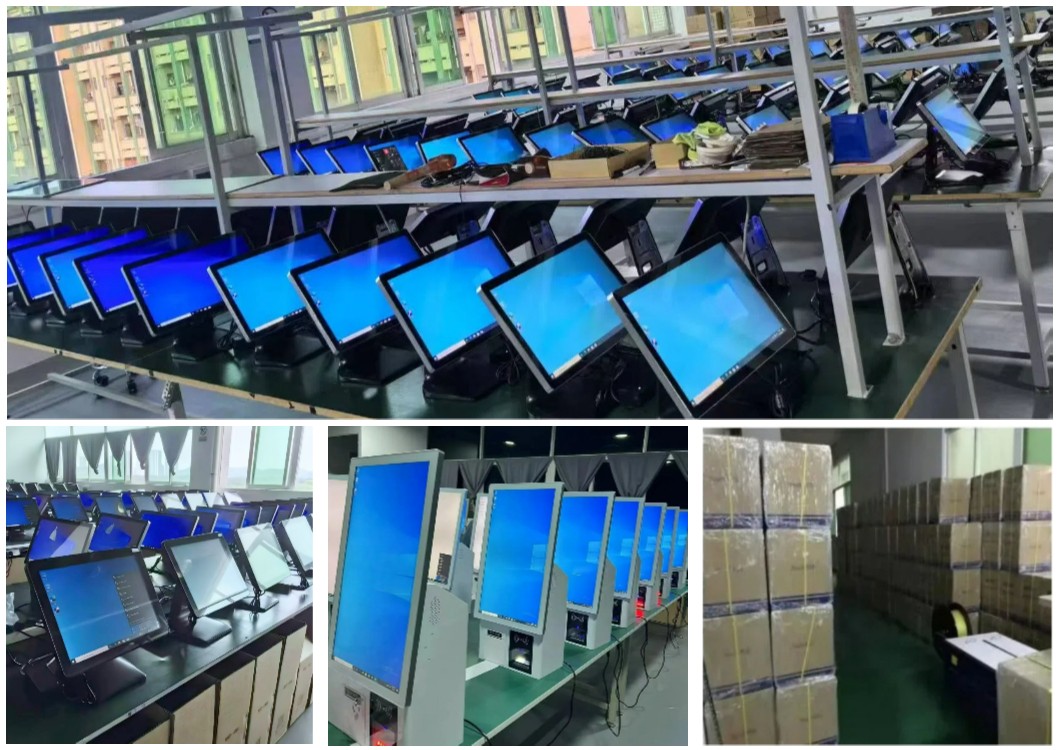
Backed by OAWELL’s 20+ years of POS manufacturing experience, the 15.6-inch OA-900LS delivers the reliability and value that budget-conscious merchants need to grow their businesses.
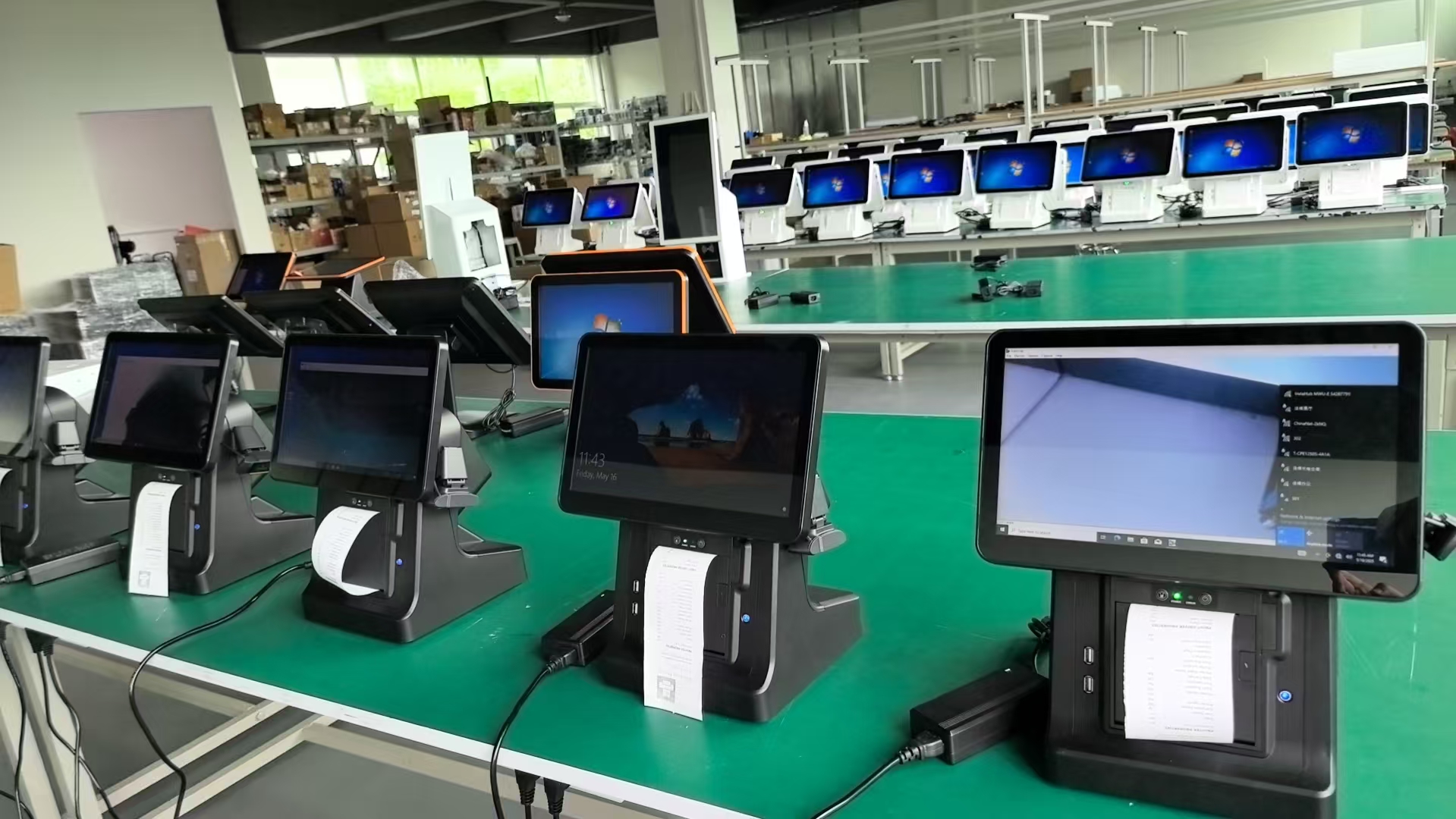
| Common | Windows OS | Android OS | ||||
| Housing: | Aluminum alloy body and base+ABS | |||||
| CPU: | / | Intel Core i5 Industrial Motherboard | Cortex A55 | |||
| Memory: | / | 8GB/16GB RAM | 2GB/4GB RAM | |||
| Storage: | / | 128GB/256GB SSD 2*SATA 1*NGFF-B(for SSD) | 32GB/64GB | |||
| Screen angle adjust: | Possibility to adjust the height and tilt of the screen | / | / | |||
| DisDplay: | 15.6-inch capacitive touch LCD (1366×768),FHD,16:9 | / | / | |||
| Optional secondary screen sizes: | 7",11.6" | / | / | |||
| Optional printer | 58mm/80mm thermal printer inside | / | / | |||
| Communication: | LAN,WiFi, Bluetooth, 5*USB2.0 4*USB3.0,4*COM pins (2*COM standard) | / | / | |||
| Install: | Possibility of mounting on a Vesa support | / | / | |||
| Power: | DC12V/5A adapterDC12V/5A adapter | / | / | |||
| Cooling system: | Passive cooling system | / | / | |||
| OS Version: | / | Windows 10/Windows 11 pro 64 bit | Android | |||