
- All
- Product Name
- Product Keyword
- Product Model
- Product Summary
- Product Description
- Multi Field Search
Views: 0 Author: Site Editor Publish Time: 2026-06-15 Origin: Site


In a Quick Service Restaurant (QSR), a receipt printer isn't just an accessory. It is the vital pacing mechanism for front-of-house flow. It drives third-party delivery dispatch precisely. A single mechanical delay here ripples across your entire operation instantly. Consumer expectations for rapid service leave zero margin for paper jams. You cannot afford dropped network connections. Illegible tickets during peak lunch rushes cause severe order inaccuracies. Every second counts when managing hungry, impatient customers in line.
Evaluating a thermal receipt printer requires moving far beyond basic technical specifications. You must rigorously assess POS system compatibility first. Environmental resilience remains equally critical for fast-paced kitchens. We will guide you through matching hardware specifically to your restaurant layout. You will learn how to navigate complex connectivity standards smoothly. This ensures your front counter runs seamlessly shift after shift.
Location dictates technology: Thermal receipt printers are optimal for FOH and delivery packing stations, but impact (dot-matrix) printers remain the standard for high-heat back-of-house (BOH) environments.
Hardwired beats wireless: While Bluetooth and Wi-Fi offer flexibility, Ethernet/LAN connections provide the operational reliability required for high-volume QSRs.
Integration is the bottleneck: Hardware is only as good as its POS system compatibility; verify ESC/POS command support and native driver availability before purchasing.
Consider ongoing compliance: Factor in the operational shift toward BPA-free and phenol-free thermal paper to meet evolving health and environmental regulations.
Differentiating between average daily volume and peak-hour throughput is essential. Average daily volume shows your total daily transactions. Peak-hour throughput reveals your actual, high-stress operational limit. During a severe lunch rush, printers must maintain maximum print speed. The industry measures this speed in millimeters per second (mm/s). Buffer overloads cause dangerous, cascading delays at the register. The internal memory must process complex order modifiers instantly. You need a device capable of handling rapid, continuous data bursts. Hesitation between ticket prints ruins drive-thru window timing metrics.
Modern QSRs handle massive, unprecedented omnichannel complexity today. We routinely see operators managing four different order streams simultaneously. Printers must cleanly separate these incoming digital channels. You will typically juggle in-store walk-ups and drive-thru tickets. Third-party delivery receipts add another thick layer of difficulty. UberEats and DoorDash orders require distinct, recognizable routing. Dedicated physical printers keep your expeditor assembly line organized. Clear ticket tagging prevents drivers from grabbing the wrong bag.
Counter space remains prime, highly contested real estate. You must carefully evaluate the physical footprint at your point of sale. Cluttered counters slow down cashier movements significantly. Two main form factors dominate the current market landscape. Front-exit designs sit neatly under the counter. They save valuable top-space for promotional displays. Top-exit models live directly on the countertop. They allow for fast, ergonomic access by cashiers. Assess your specific workstation layout before choosing a chassis style.
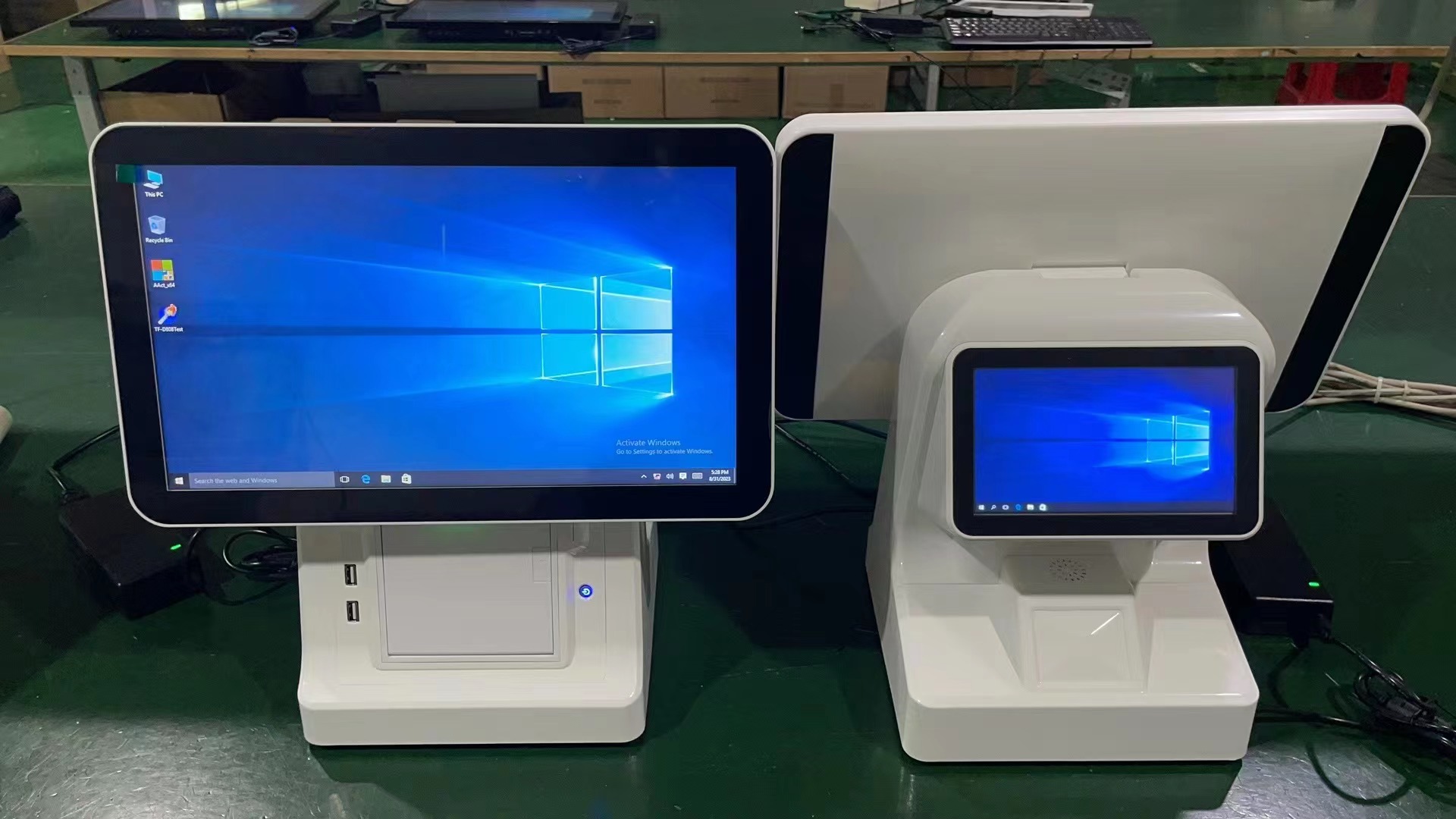
Let us address a critical, scientifically proven reality about direct thermal technology. These specific units utilize heat-sensitive paper rather than traditional wet ink. Placing them next to fryers or industrial ovens creates immediate disaster. Ambient heat from back-of-house (BOH) equipment activates the paper chemically. The microscopic dye capsules burst under environmental heat stress. This results in completely black, entirely unreadable kitchen tickets. You must strictly respect this specific environmental limitation.
Front-of-house (FOH) environments represent the absolutely ideal use case. A modern thermal receipt printer shines brilliantly in these locations. They offer perfectly silent operation compared to legacy devices. High-speed output keeps customer lines moving rapidly. High-resolution graphic capabilities print beautifully on standard rolls. This allows you to place crisp, highly detailed logos. Scan-ready QR codes print flawlessly for customer loyalty programs.
Kitchen operations demand a completely different hardware approach. We highly recommend impact, or dot-matrix, printers for the BOH. They rely on physical ink ribbons striking the page. They utilize standard, untreated wood-pulp paper rolls. This reliable combination easily withstands extreme heat. It functions perfectly in high-humidity cooking zones. Loud, audible printing noises actually help BOH staff. The distinctive sound alerts cooks to newly arriving orders. It ensures your kitchen line never misses a critical modifier.
Expeditor and delivery packing stations occupy a unique middle ground. Ambient temperatures here usually remain strictly controlled by air conditioning. High speed and crystal-clear text are absolutely mandatory for bag tagging. Direct thermal technology works perfectly in these specific staging areas. Sticky-backed thermal labels help seal bags securely. Delivery drivers can quickly scan perfectly clear order numbers.
Hardware specifications directly dictate your daily restaurant performance. Your target baseline should sit firmly between 250mm/s and 350mm/s. This exact speed perfectly suits rapid, high-volume QSR environments. Resolution matters equally for barcode scannability. The standard industry resolution holds steady at 203 DPI. This density proves entirely sufficient for standard text. Basic brand logos render cleanly at this exact specification. Higher DPI models exist for specialized retail applications. However, you rarely need them in food service. They only benefit complex, ultra-dense promotional barcode printing.
Evaluation Metric | Standard Requirement | QSR Ideal Specification |
|---|---|---|
Print Speed | 200 mm/s | 250 mm/s - 350 mm/s |
Resolution | 180 DPI | 203 DPI (Standard) |
Auto-Cutter Life | 1 Million Cuts | 1.5 to 2 Million Cuts |
Paper Loading | Manual Feed | Drop-in Mechanism |
You must evaluate Mean Cycles Between Failures (MCBF) thoroughly. This critical metric reliably predicts total operational longevity. Assess the auto-cutter life span very closely before deployment. Look strictly for models boasting a minimum of 1.5 to 2 million cuts. Ensure you understand partial-cut versus full-cut hardware capabilities. Partial cuts keep individual tickets attached to the main roll. This physically prevents receipts from falling onto dirty, wet floors. Cashiers easily tear the final paper tab.
Fast-food venues present exceptionally harsh daily working environments. Airborne grease particles float continuously through the air. Flying flour and accidental liquid spills happen constantly. Look actively for IP-rated hardware features. Dedicated spill-proof covers protect sensitive internal electronic components. These barriers block harmful contaminants effectively. Drop-in paper loading is also absolutely mandatory. It aggressively reduces employee downtime during a massive rush. Cashiers simply drop the roll and close the lid. Always ensure strict compatibility with standard 80mm thermal paper rolls.
Connectivity directly defines your overall system stability. We must evaluate all available interface types carefully. Each connection method carries distinct, noticeable operational traits.
Ethernet (LAN): This represents the absolute gold standard. Hardwired connections guarantee multi-station routing stability. They ignore local wireless interference completely.
USB Interface: This provides rock-solid, uninterrupted local reliability. However, it only suits single, stationary terminal setups. It physically tethers the unit to one specific screen.
Wi-Fi and Bluetooth: These protocols introduce high operational risks. Dropped connections occur frequently during peak, crowded hours. Reserve them exclusively for mobile line-busting tablets. They also suit isolated food trucks perfectly.
Hardware holds absolutely zero value without proper software alignment. Integration serves as the ultimate, unforgiving bottleneck. Verify supported industry-standard command languages thoroughly. Epson's ESC/POS protocol remains the dominant, universal standard. Native driver availability dictates how smoothly the unit communicates. Always check this exact compatibility list before finalizing a hardware selection. Ignoring software alignment results in garbled, unreadable text strings.
Consider your exact point-of-sale software architecture. Cloud-native point of sale systems operate vastly differently than legacy networks. Confirm whether your specific setup requires cloud-ready hardware. Some advanced models fetch data directly from a remote server. They utilize Server Direct Print technology for this task. Other systems rely heavily on local area network drivers. Choosing the wrong integration method breaks the ordering loop completely. It leaves cashiers unable to process physical receipts.
Proper restaurant setup goes far beyond plugging in a simple cable. Plan your physical hardware footprint very carefully. Power supply design varies wildly between different models. Internal power bricks save highly valuable counter space. They keep the installation looking clean and professional. External power bricks require hidden, under-counter mounting brackets. Network cable routing demands similar, meticulous attention. Exposed wires actively invite accidental unplugging. Cashiers stepping on cables ruins entire lunch shifts instantly.
The broader industry is shifting rapidly regarding printing consumables. Health and environmental regulations evolve continuously worldwide. You must transition your operations toward BPA-free paper. BPS-free paper alternatives also gain significant market traction daily. Verify paper grade requirements carefully with your manufacturer. Using incorrect or highly abrasive eco-friendly paper causes hidden damage. It voids your official warranty abruptly. It scratches delicate printheads prematurely over time. Always follow strict manufacturer guidelines regarding approved media types.
Routine maintenance strictly prevents sudden, catastrophic equipment failures. You must implement strict, documented printhead cleaning schedules. Staff should use specialized isopropyl alcohol pens regularly. We recommend performing this simple task weekly. It removes sticky, accumulated adhesive buildup safely. It clears highly abrasive paper dust from sensitive sensors. Consistent, thorough cleaning dramatically extends total hardware life. Neglecting this simple step leads directly to faded receipts. It creates unprofessional, hard-to-read customer tickets.
Selecting the correct hardware requires strategic, careful balancing. You must weigh raw speed against reliable connectivity. Environmental durability remains equally paramount for restaurant success. Every single metric directly impacts your daily operational flow. A fast machine fails quickly without proper physical protection.
We advise prioritizing hardwired Ethernet connectivity above all else. Drop-in paper loading proves equally non-negotiable for cashiers. Verified POS software integration always trumps superficial design features. A reliable, sturdy workhorse outperforms a flashy, disconnected device consistently. Prioritize substance and proven durability over mere aesthetics.
Take immediate, calculated action to safeguard your physical investment. Consult your POS provider's official hardware compatibility list first. Request a physical demo unit for thorough stress testing. Finally, rigorously audit your front counter space limitations. Do this long before making your final deployment selection.
A: Generally, no. Direct thermal paper turns completely black when exposed to high ambient heat. Placing it near fryers or grills destroys the receipt instantly. Impact, or dot-matrix, printers are highly recommended for back-of-house kitchen tickets. They use standard wood-pulp paper and physical ink ribbons. This older technology easily withstands intense heat, high humidity, and airborne grease.
A: Direct thermal uses heat-sensitive paper without requiring any ink cartridges. This represents the absolute standard for retail and restaurant receipts. Thermal transfer uses a heated ribbon to melt ink directly onto paper or plastic. People use this specifically for long-lasting shipping and inventory labels. QSRs strictly require direct thermal models for their rapid speed and operational simplicity.
A: In a high-volume QSR setting, a commercial-grade unit typically lasts three to five years. Total lifespan is largely determined by physical auto-cutter usage and daily transaction volume. Strict adherence to routine printhead cleaning protocols also significantly extends this operational window. Neglecting basic maintenance shortens this expected lifespan drastically.
A: Faded text usually indicates a severely dirty printhead. A physically worn-out platen roller also causes this exact issue. Using low-quality, highly abrasive paper rolls frequently leads to poor print clarity. Cleaning the printhead thoroughly with an isopropyl alcohol pen is always the very first troubleshooting step.


