- All
- Product Name
- Product Keyword
- Product Model
- Product Summary
- Product Description
- Multi Field Search

Please Choose Your Language
 |

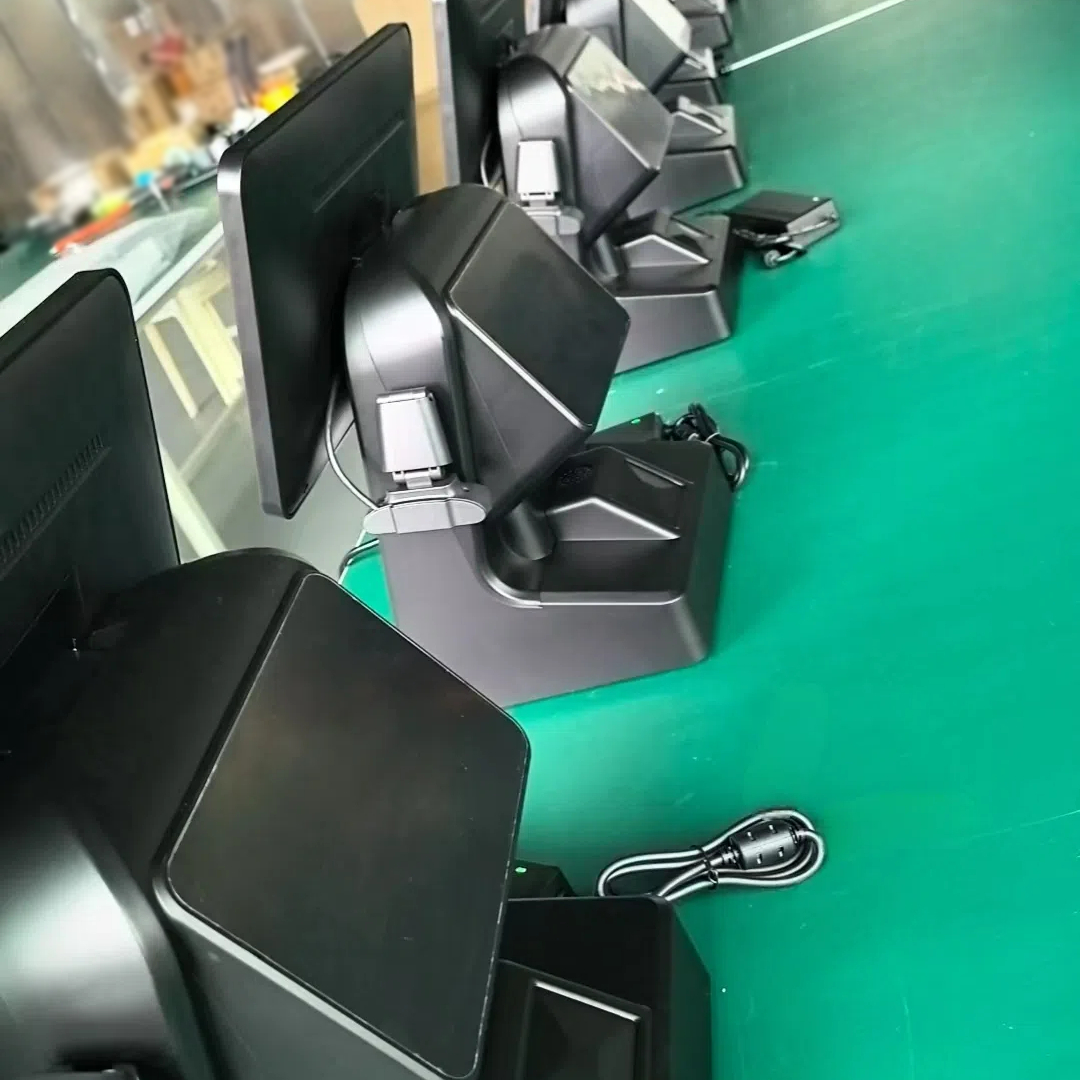


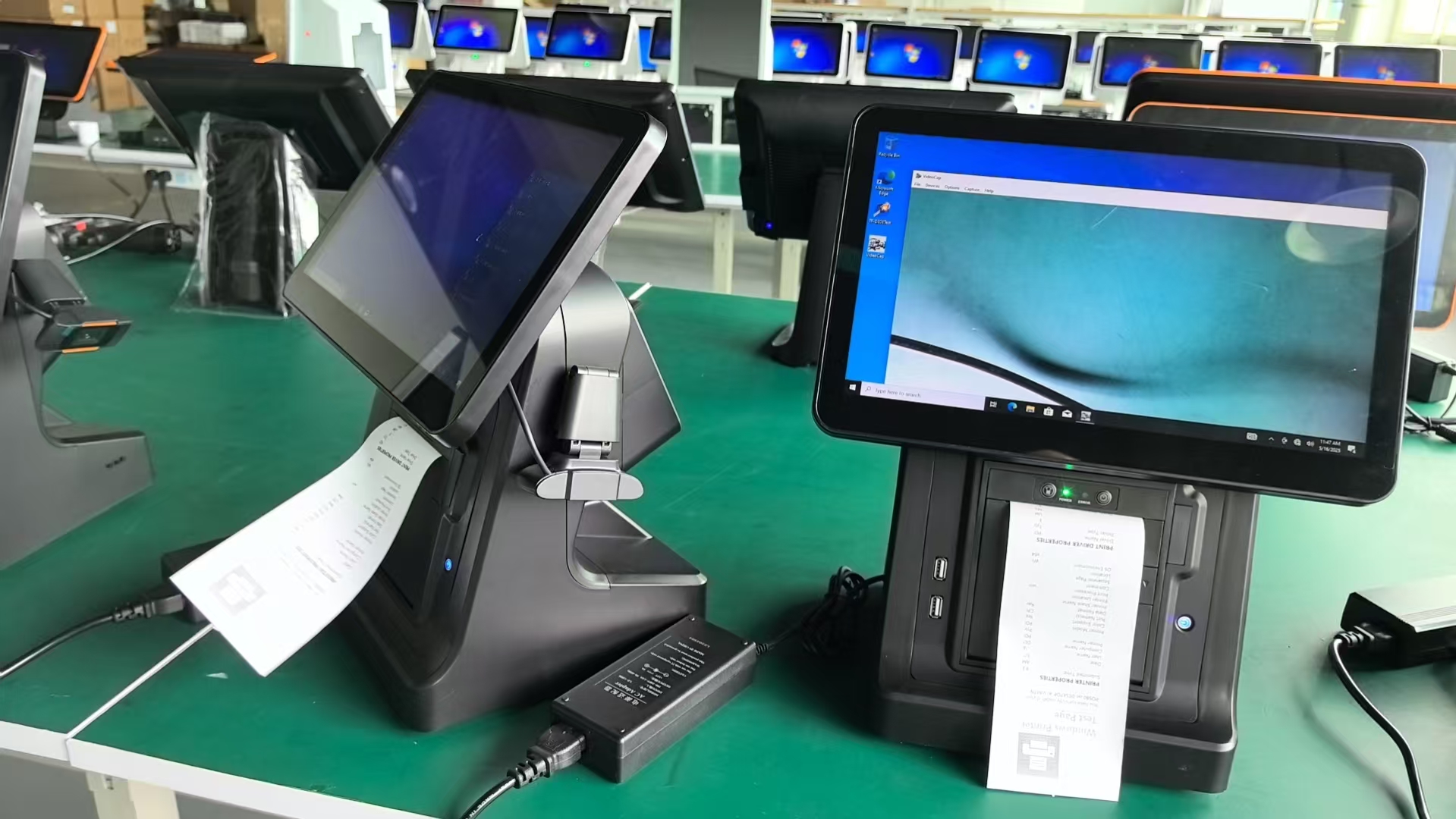
The OA-900LS 13.3-inch all-in-one POS is designed for space-constrained small-to-medium businesses (SMBs)—such as convenience stores, boutique shops, and small cafes. Its compact size, dual-OS flexibility, and silent operation solve core challenges for SMBs: limited counter space, budget constraints, and the need for simple, low-maintenance hardware.
| Quantity: | |
|---|---|
OA-900LS
OAWELL
Convenience stores (e.g., 7-Eleven-style shops) often have narrow checkout counters (30cm or less) and require quiet equipment to avoid disrupting customer conversations. The OA-900LS’s slim 13.3-inch design fits easily on these counters, while its fanless passive cooling system runs completely silent. It processes transactions in 3 seconds or less—critical for customers grabbing quick snacks or drinks—and supports 58mm thermal printing for receipts, eliminating the need for a separate printer.
Boutiques with 1-2 staff members need tools that reduce fatigue and streamline tasks. The OA-900LS’s adjustable screen height and tilt let cashiers (of any height) work comfortably during 8-hour shifts, reducing neck strain. It also syncs with inventory software to track sales of limited-edition items—alerting staff when stock drops below 5 units, preventing lost sales from out-of-stock products.
Small cafes often use lightweight POS apps (e.g., Loyverse, Toast Go) to manage orders and payments. The OA-900LS offers two OS options: Android for cost-effective, app-based use (ideal for cafes processing 50+ orders daily) or Windows 10/11 Pro for more advanced tasks (e.g., integrating with accounting software like QuickBooks). The optional 7-inch secondary screen displays drink specials or loyalty points, boosting customer engagement without extra hardware.
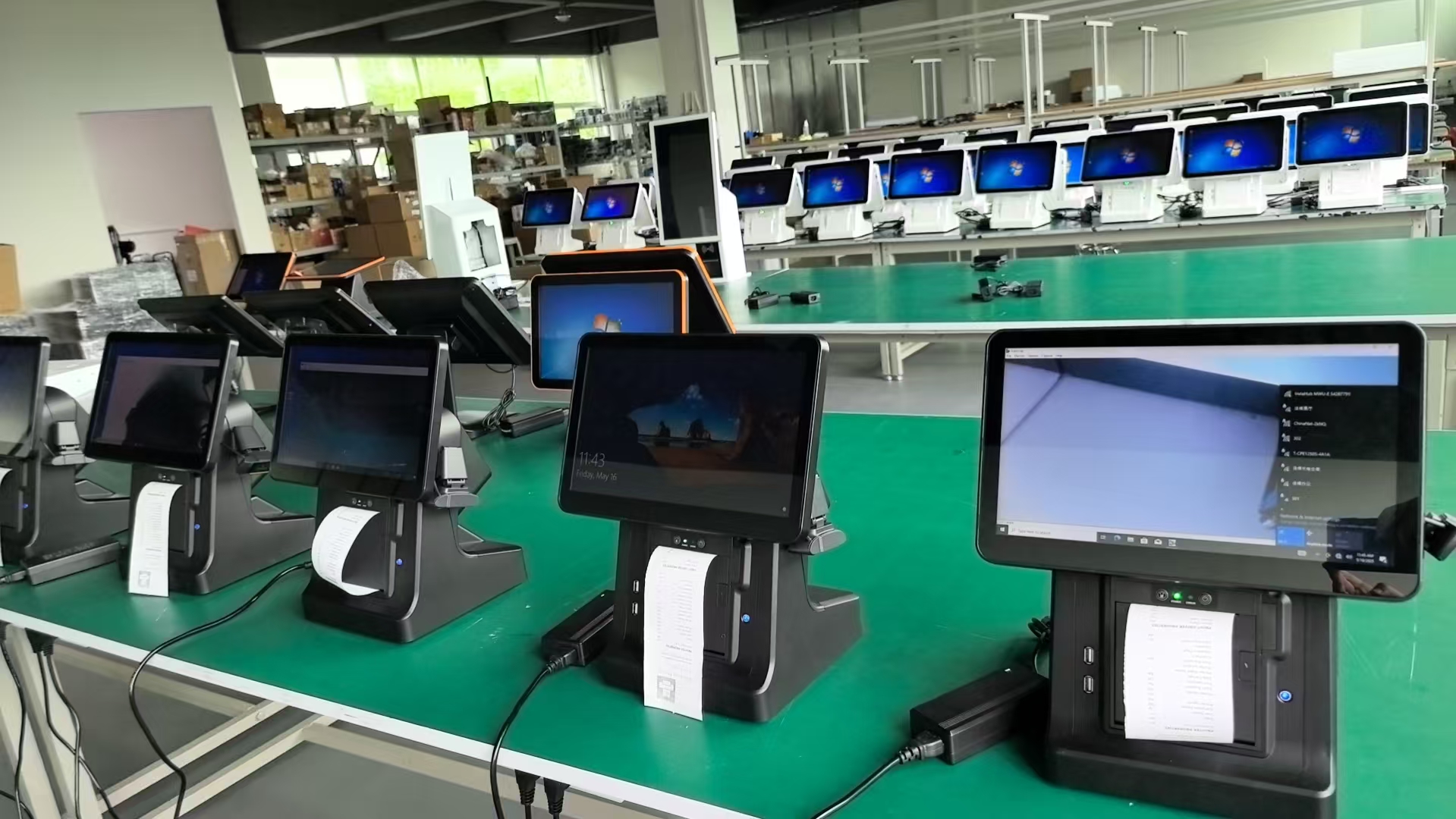
• Android OS: Powered by a Cortex A55 processor, 2GB/4GB RAM, and 32GB/64GB storage, it runs lightweight POS apps smoothly and costs 20% less than Windows models—perfect for cash-strapped startups.
• Windows OS: Equipped with an Intel Core i5 processor, 8GB/16GB RAM, and 128GB/256GB SSD, it handles multi-tasking (e.g., processing payments + managing reservations) for busier SMBs.
Both OS versions support over-the-air updates, ensuring access to the latest security patches and features.
Weighing under 5kg, the OA-900LS is easy to move—ideal for cafes that rearrange seating or boutiques that host pop-up events. Its aluminum alloy body + ABS housing is durable yet slim (only 5cm thick), fitting in tight spaces like under-counter shelves or small reception desks. VESA mount compatibility adds even more flexibility: attach it to walls to free up 100% of counter space.
The POS includes 5x USB2.0, 4x USB3.0, and 4x COM ports (2x standard) to connect barcode scanners, cash drawers, or NFC readers—all without messy cables. It also offers built-in LAN, WiFi, and Bluetooth 5.0: WiFi supports dual-band (2.4GHz/5GHz) for stable connections, while Bluetooth lets staff use wireless scanners to check inventory on the sales floor.
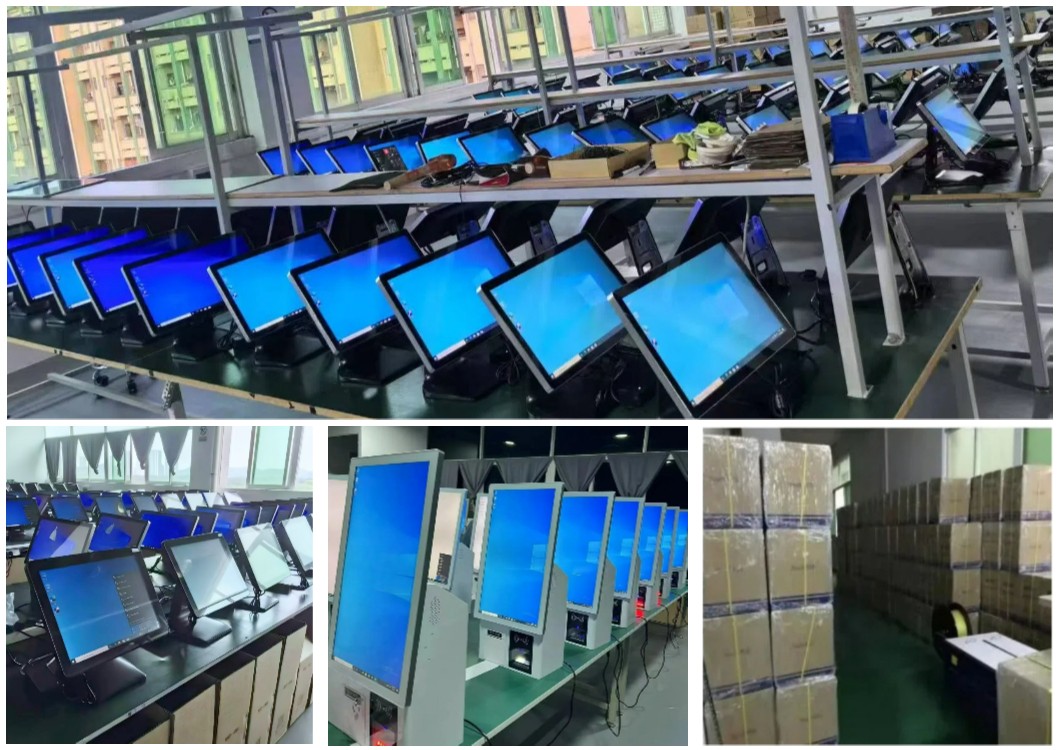
OAWELL pre-installs and tests the OA-900LS with top SMB POS apps to ensure zero setup issues. For Android users, this includes optimizing app performance (e.g., reducing Loyverse’s load time by 15%), while Windows users get compatibility with tools like Shopify POS and Square. The technical team also provides custom driver support for niche software (e.g., local inventory tools used in regional boutiques).
The POS uses a Realtek RTL8111F Gigabit LAN chip for fast, wired internet—critical for processing payments without delays. Its WiFi module supports 802.11ac, ensuring strong signals even in areas with multiple devices (e.g., cafes with 20+ customer phones). If WiFi drops, the LAN backup keeps transactions running, and Bluetooth 5.0 maintains connections with wireless peripherals up to 10 meters away.
SMBs often grow their operations over time—so the OA-900LS is built to scale. Android models support microSD card expansion (up to 128GB), while Windows models accept additional SATA SSDs. This means businesses don’t need to replace the POS when they start processing more orders or storing more customer data—saving 30% on hardware costs over 3 years.
OAWELL understands SMBs have limited budgets—so it offers OEM/ODM services for even small orders (as low as 10 units). This includes basic customizations (e.g., logo printing) or hardware tweaks (e.g., adding a larger battery for temporary power outages) at factory-direct prices, avoiding the premium charged by third-party customizers.
The OA-900LS comes with a 12-month warranty covering all components. If a part fails (e.g., a faulty USB port), OAWELL ships replacements from its Guangzhou factory within 3 business days—minimizing downtime (critical for SMBs that can’t afford to close even for a day). The team also provides free repair guides to help staff fix simple issues themselves.
Instead of coordinating with multiple suppliers for POS, printers, and scanners, SMBs can buy everything from OAWELL. The company offers bundled packages (e.g., OA-900LS + 58mm printer + cash drawer) at 15% off retail prices, saving time on order management and reducing shipping costs.
| Common | Windows OS | Android OS | ||||
| Housing: | Aluminum alloy body and base+ABS | |||||
| CPU: | / | Intel Core i5 Industrial Motherboard | Cortex A55 | |||
| Memory: | / | 8GB/16GB RAM | 2GB/4GB RAM | |||
| Storage: | / | 128GB/256GB SSD 2*SATA 1*NGFF-B(for SSD) | 32GB/64GB | |||
| Screen angle adjust: | Possibility to adjust the height and tilt of the screen | / | / | |||
| DisDplay: | 15.6-inch capacitive touch LCD (1366×768),FHD,16:9 | / | / | |||
| Optional secondary screen sizes: | 7",11.6" | / | / | |||
| printer | 58mm/80mm thermal printer inside | / | / | |||
| Communication: | LAN,WiFi, Bluetooth, 5*USB2.0 4*USB3.0,4*COM pins (2*COM standard) | / | / | |||
| Install: | Possibility of mounting on a Vesa support | / | / | |||
| Power: | DC12V/5A adapterDC12V/5A adapter | / | / | |||
| Cooling system: | Passive cooling system | / | / | |||
| OS Version: | / | Windows 10/Windows 11 pro 64 bit | Android | |||