  sherrywang163       +8615989127990      sales@oawell.com
Please Choose Your Language
News
You are here: Home » News

News and Events

  • What Is a Thermal Printer and How Does It Work?
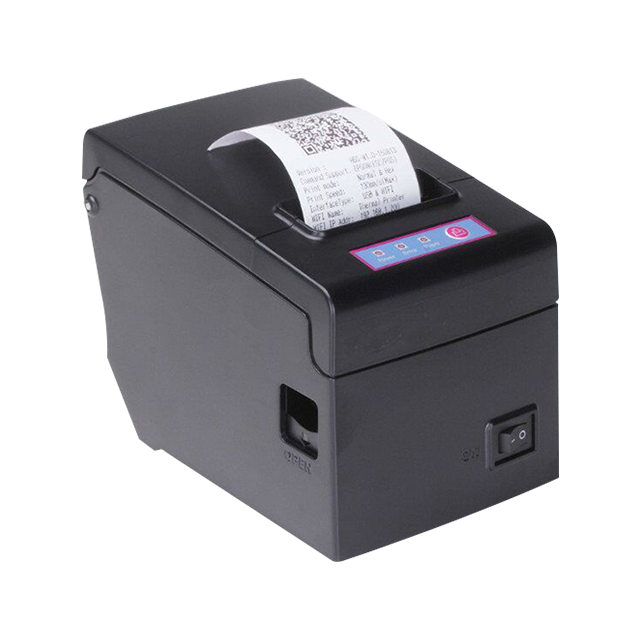
    What Is a Thermal Printer and How Does It Work?
    2026-02-02
    Whether you are an e-commerce entrepreneur fulfilling orders from a home office or a B2B warehouse manager overseeing thousands of shipments daily, the hardware you use to generate receipts, barcodes, and shipping tags is critical. This is where the Thermal Printer enters the spotlight. Unlike tradi
    Read More
  • Self-Service: Deploying Autonomous Devices
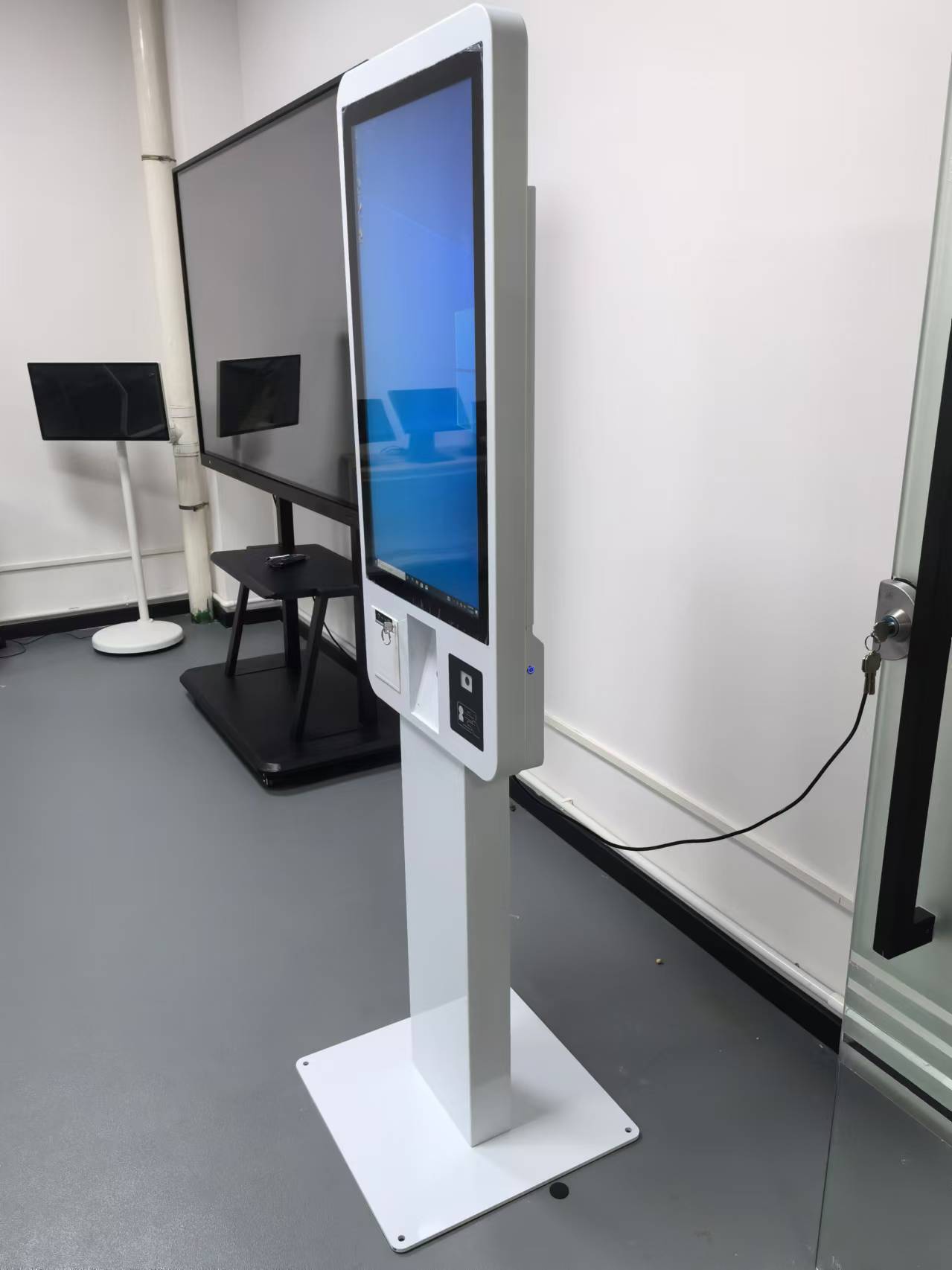
    Self-Service: Deploying Autonomous Devices
    2026-01-20
    A Self-kiosk Machine is an autonomous, unattended hardware terminal integrated with specialized software designed to facilitate user-driven transactions, such as ordering, payments, and registration, without the need for staff supervision.The strategic deployment of a Self-kiosk Machine fleet requir
    Read More
  • 9 Transactions Available with the Self-Service Kiosk
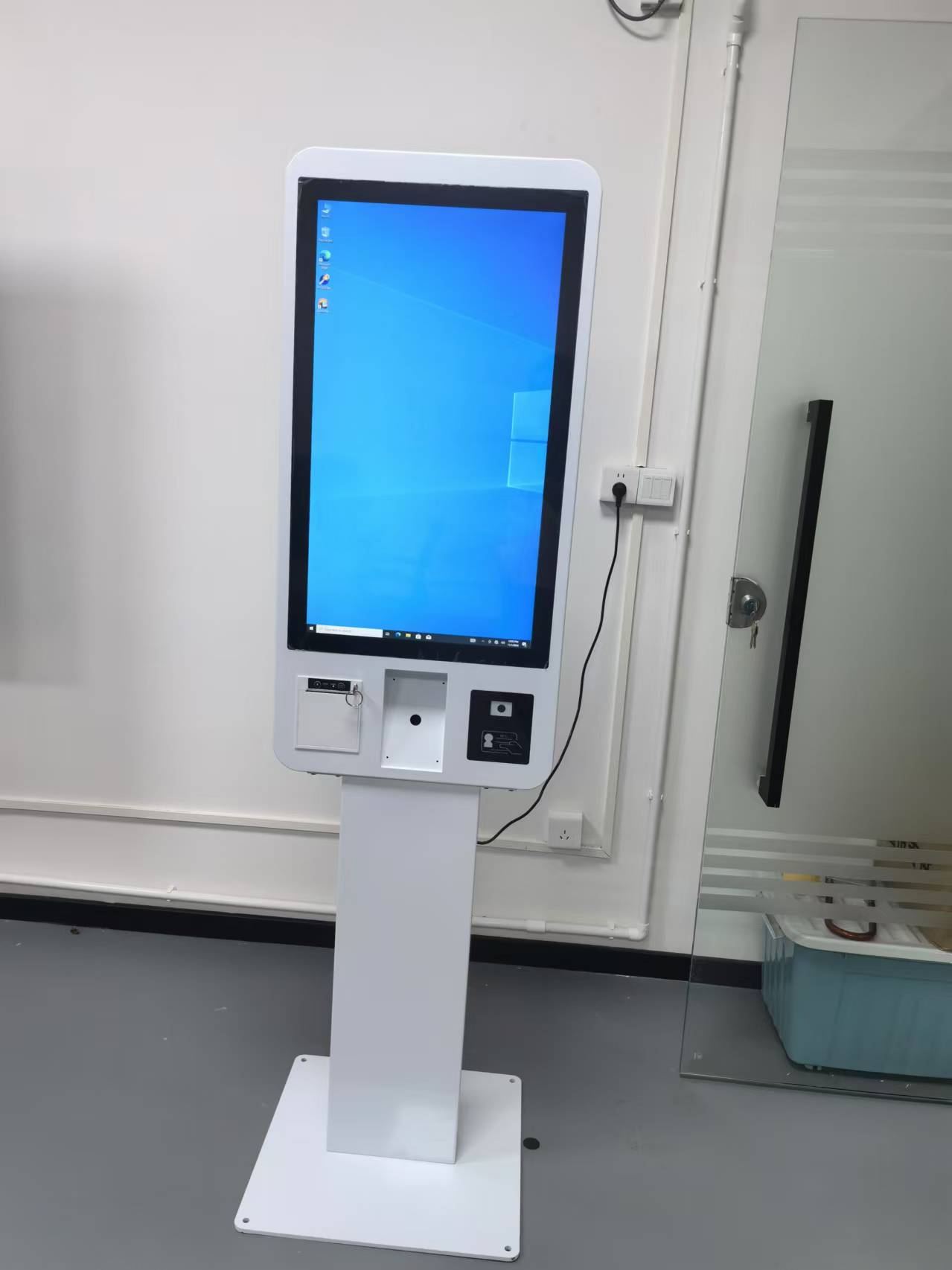
    9 Transactions Available with the Self-Service Kiosk
    2026-01-16
    The global service landscape is undergoing a digital renaissance, and the Self-kiosk Machine is leading the charge. As we move deeper into 2026, the demand for "contactless" and "autonomous" service points has surged, making these automated terminals an essential strategic asset for B2B stakeholders
    Read More
  • What's the difference between ATMs and kiosks?
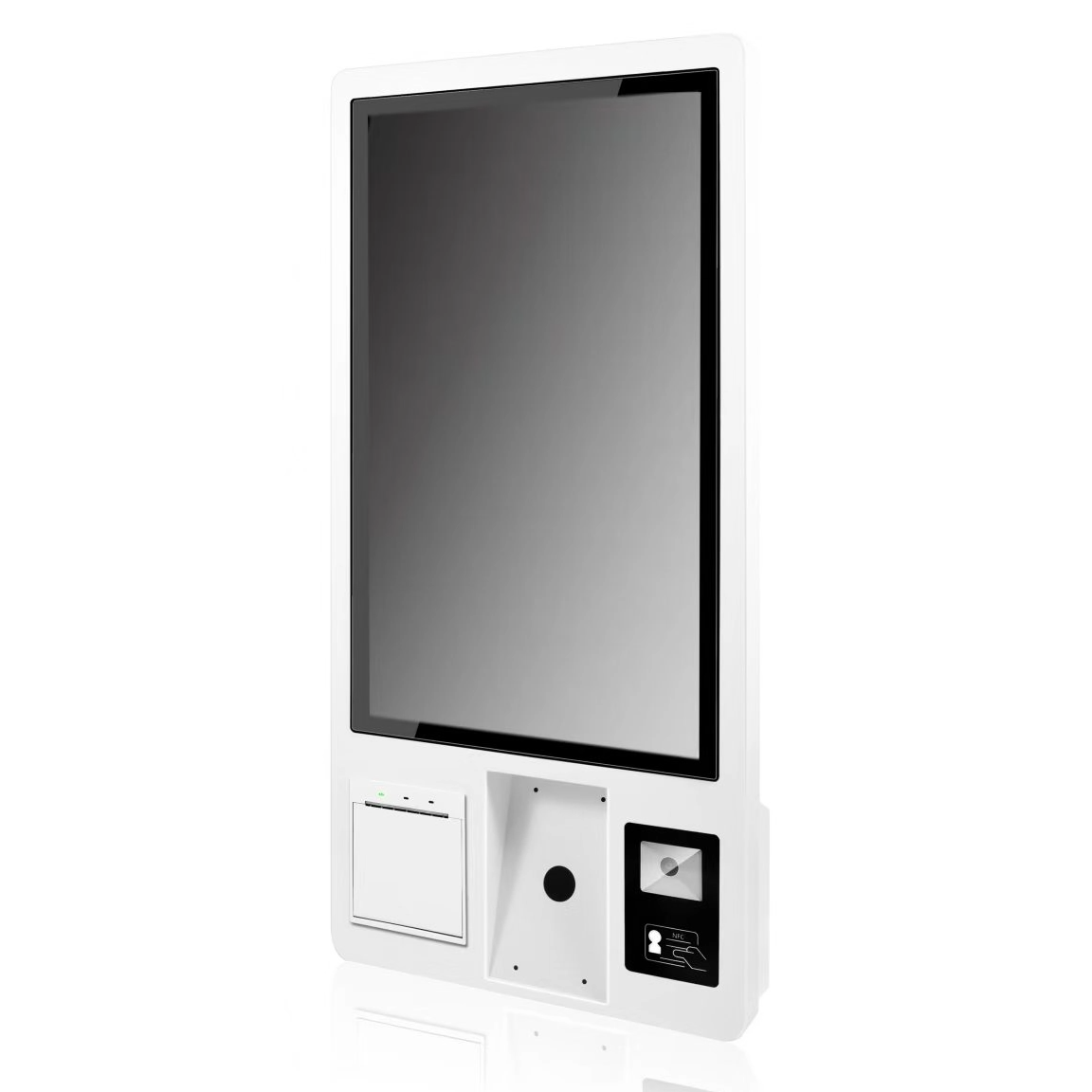
    What's the difference between ATMs and kiosks?
    2026-01-12
    In the modern landscape of self-service technology, the lines between different types of automated terminals are often blurred. For B2B stakeholders, including bank branch managers, retail developers, and hospitality tech integrators, distinguishing between an Automated Teller Machine (ATM) and a Se
    Read More
  • Total 15 pages  Go to Page
  • Go

FAQ

  • Q What Is the Difference Between a 58mm and an 80mm Thermal Receipt Printer?

    A

    The main difference is the supported paper width. A 58mm thermal printer is often used for compact receipts and space-constrained installations, while an 80mm printer can accommodate wider receipts with more room for item details and business information. Choose a printer based on your receipt layout, POS software settings, paper availability, connection interface, and installation requirements.

  • Q What Connectivity Options Should I Check Before Buying a POS Terminal?

    A

    Common connectivity options include USB and LAN, while some models also offer Wi-Fi, Bluetooth, serial ports, or optional NFC readers. The available interfaces differ by model and configuration. Check the number and type of ports required for your printer, scanner, cash drawer, network connection, and other accessories before confirming your order.

  • Q Can a POS Terminal Be Customized with a Built-in Thermal Printer?

    A

    Selected POS models can be configured with an integrated thermal receipt printer, while other models use a separate printer. Availability depends on the terminal design, printer width, internal space, and required interfaces. When requesting a customized solution, specify the screen size, printer width, operating system, and any additional peripherals you need.

  • Q How Do I Choose the Right POS Terminal for My Business?

    A

    The right POS terminal depends on your business type, POS software, daily transaction volume, available counter space, and required peripherals. Retail stores and supermarkets may need barcode scanners and cash drawers, while restaurants may benefit from dual-screen terminals and integrated receipt printers. Before choosing a model, confirm the operating system, processor, memory, storage, screen size, and connectivity options.

  • Q Should I Choose a Windows or Android POS System?

    A

    Windows POS systems may be suitable for businesses that rely on Windows-based applications or existing PC software. Android POS systems can be a practical option for compatible Android applications and simplified operating environments. Before ordering, check software compatibility, driver requirements, processor performance, memory, peripheral interfaces, and whether your application provider supports the selected operating system.

QUICK LINKS

PRODUCT CATEGORY

NEWSLETTER

Subscribe to the latest news

SOCIAL NETWORKS

Copyright © 2024 OAWELL Products Co., Ltd.  All Rights Reserved.  Sitemap I Privacy Policy